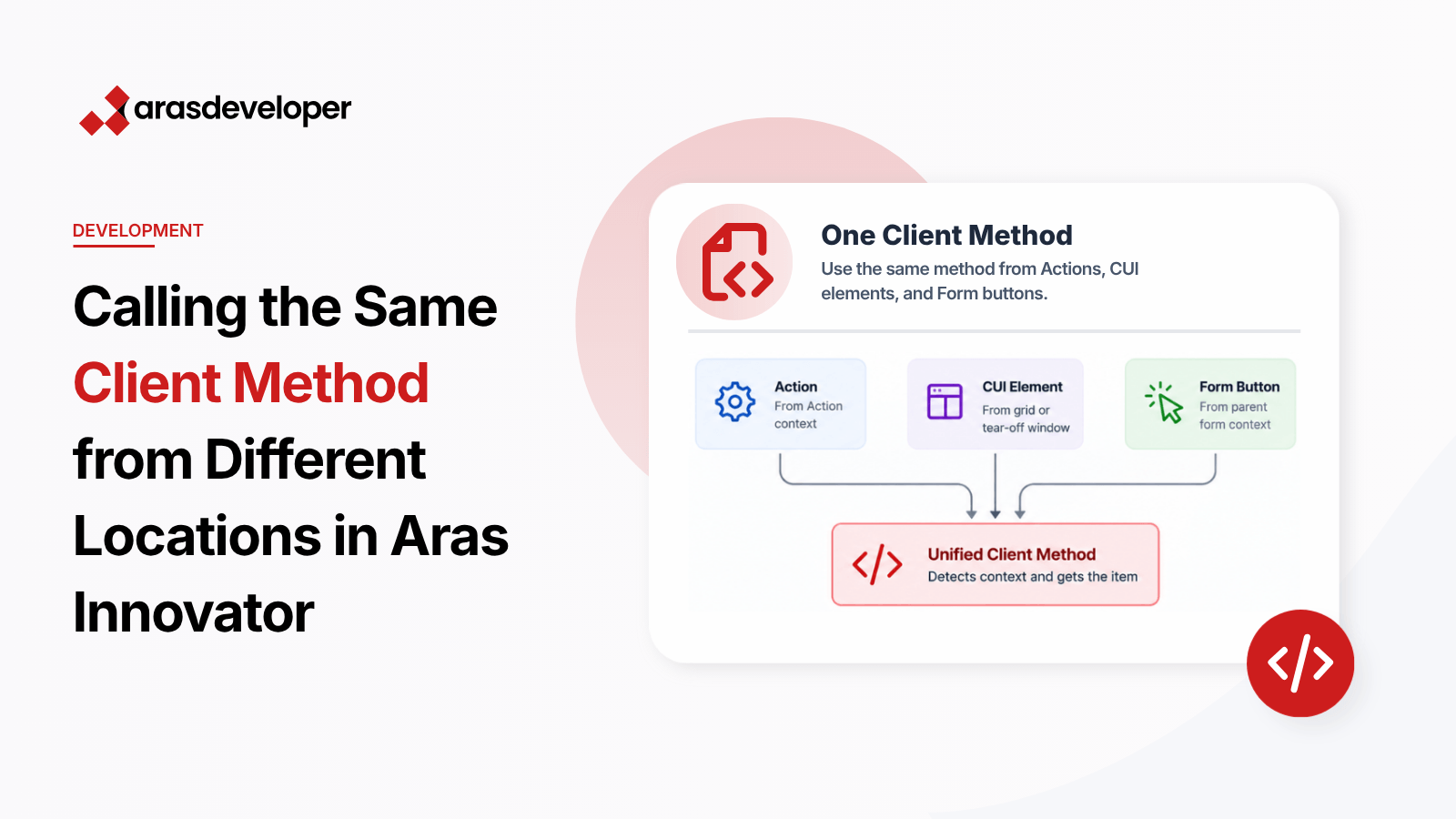
In Aras Innovator, developers often face the challenge of calling the same client method from different locations, such as Actions, CUI elements, and Form buttons. Each context requires a different approach to access the target item, making it difficult to create a unified method. This blog post provides a solution to this problem by creating a flexible method that detects the context and retrieves the item accordingly.
Calling the same client method from different locations (Actions, CUI elements, and Form buttons) requires different ways to access the target item. This inconsistency can lead to code duplication and maintenance challenges.
Different contexts (Actions, CUI elements, and Form buttons) require different approaches to access the target item. For example:
To address this issue, we can create a flexible method that detects the context and retrieves the item accordingly. This method will handle different contexts and ensure consistent behavior across all locations.
Below is a JavaScript code snippet that demonstrates how to implement this solution:
var inn = this.newInnovator();
var myItem;

// Check if called from a Form button
if (parent.thisItem !== undefined) {
    myItem = parent.thisItem; // Form call
}
// Check if called from an Action
else if (this !== undefined && this.getProperty !== undefined) {
    myItem = this; // Action call
}
// Check if called from a CUI element
else {
    var topWindow = aras.getMostTopWindowWithAras(window);
    var id;

    if (topWindow.work && topWindow.work.grid) {
        // Called from Main Window
        id = topWindow.work.grid.getSelectedID();
    } else if (thisItem !== undefined) {
        // Called from Tearoff Window
        id = thisItem.getID();
    }

    if (id) {
        myItem = inn.getItemById("/*Itemtype*/", id);
    }
}

if (myItem) {
    return aras.AlertError("This is " + myItem.getProperty("name"));
} else {
    return aras.AlertError("Item not found");
}parent.thisItem is defined, indicating that the call is from a Form button. It then retrieves the item directly from the parent context.this is defined and has a getProperty method, indicating that the call is from an Action. It then retrieves the item from the current context.aras.getMostTopWindowWithAras(window). It then checks if the window has a grid (Main Window) or an thisItem (Tearoff Window) to get the item ID. Finally, it fetches the item using inn.getItemById.By creating a flexible method that detects the context and retrieves the item accordingly, developers can ensure consistent behavior across different locations in Aras Innovator. This approach reduces code duplication and simplifies maintenance, making it easier to manage complex workflows.
Try implementing this solution in your Aras Innovator projects to streamline your client method calls and improve overall efficiency.
